Integrate legacy machines with ERP and data collection
LinkMachine is designed to connect not only recent systems, but also existing machines in the factory, introducing Industry 4.0 logic in a concrete and sustainable way.
The problem of machines already in production
Many companies have perfectly productive machines, but lack modern interfaces or direct connections with the ERP.
Frequent problems
- No connection to the ERP system
- Data collection on paper
- Difficulty of traceability
- No immediate visibility on quantities and times
- Too high costs for system replacement
Realistic goal
The objective is not to overturn the department, but to enhance the existing machines collecting data useful for production, inventory and management.
How LinkMachine connects an older machine
Depending on the available technology, LinkMachine can use different acquisition and integration modes.
Electrical contact or cycle relay
For many machines it is sufficient to read a physical signal to count strokes, cycles or production events.
Digital inputs
The system can acquire machine states and basic signals without invasive interventions on the system.
PLC and CNC
When available, more structured data can be read via standard industry protocols.
Sending to the ERP system
The collected data is then transferred to ERP, inventory or production systems according to the defined logic.
Supported protocols and connections
- Digital inputs
- Stroke counter
- Cycle relay
- OPC UA
- Modbus TCP / RTU
- Siemens S7
- Fanuc FOCAS
- Customized interfaces on request
The panel and software in action
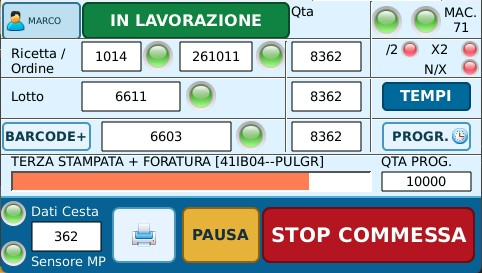
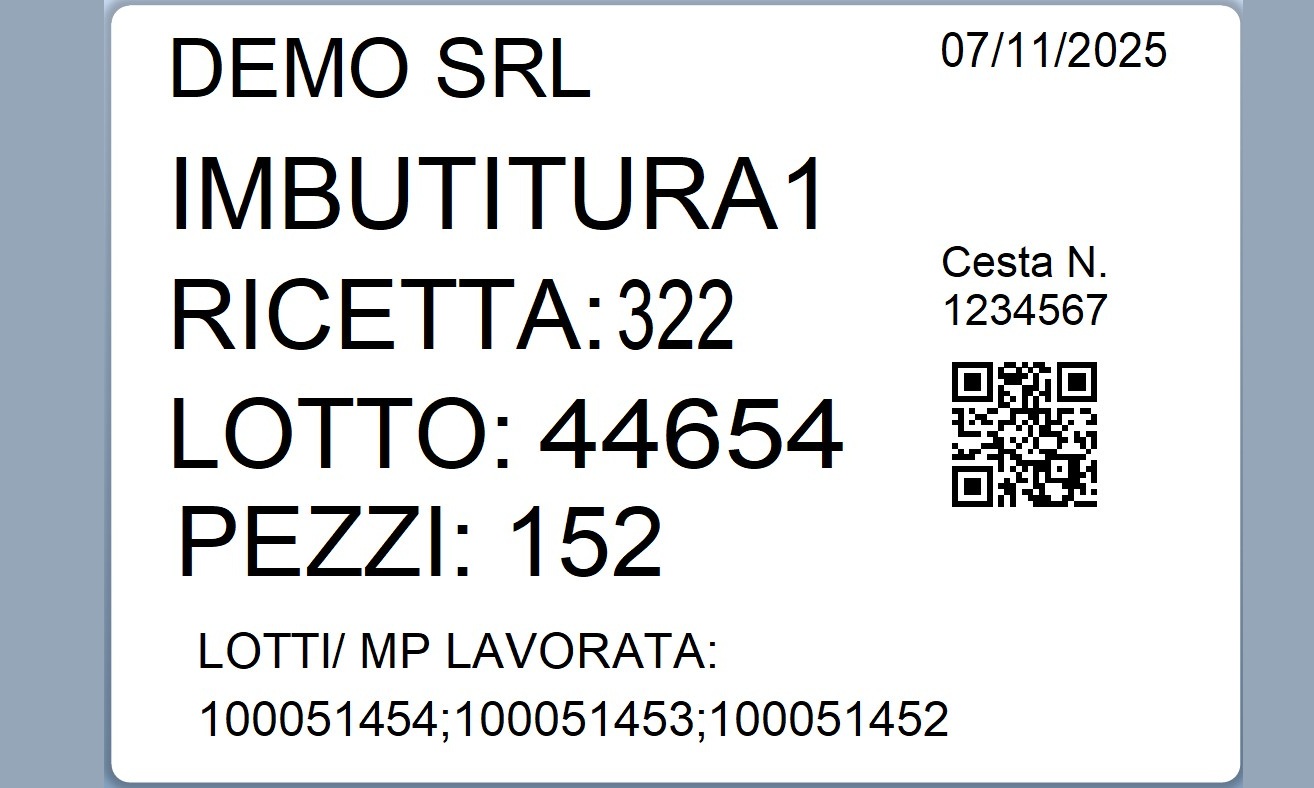
Some images of the LinkMachine panel, machine connections and software screens.


Why start from existing machines
More sustainable investment
Existing systems are enhanced without having to replace them immediately.
Targeted installation
The intervention can be minimally invasive and concentrated on truly useful signals.
Production data made available
Even an older machine can contribute to monitoring production and order progress.
Foundation for future growth
You can start with a pilot machine and then extend the model to the rest of the plant.
Also learn more
ERP machine connection
How to transfer machine data to the ERP system.
Case studies
Real examples of applications in different production contexts.