Connect machines to your ERP without disrupting production
LinkMachine creates a bridge between the production and company management departments, bringing quantities, times, orders, batches and traceability information into the ERP.
Why connect machines to ERP
Without a direct connection, production data often remains disconnected from the ERP system, forcing the company to use Excel files, manual notes or subsequent insertions.
Less manual administrative work
Data does not need to be manually copied from department to office.
More accurate inventory
The quantities produced and consumed can directly feed the ERP system.
More controlled orders
Order progress can be monitored with more consistent and timely data.
More traceability
Batches, materials and operators can be associated with real production.
How the connection between the machine and the ERP system occurs
LinkMachine uses an industrial panel and gateway software to transform machine events into useful, readable management information.
Production side
- Collection of machine signals
- Barcode or RFID reading
- Start/stop processes
- Piece counting
- Reporting of batches and materials
ERP side
- Update of produced quantities
- Progress of production orders
- Inventory updates
- Material consumption
- Data for quality and logistics
Compatible ERP systems
LinkMachine integrates with the main ERP system via dedicated connectors, exchange files, APIs, or database links.
- Zucchetti
- TeamSystem
- Ready Pro
- SAP
- Microsoft Dynamics
- Odoo
- Other ERP and ERP systems on request
The panel and software in action
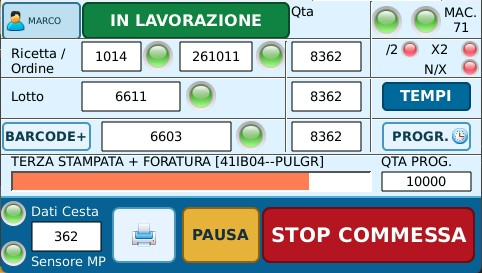
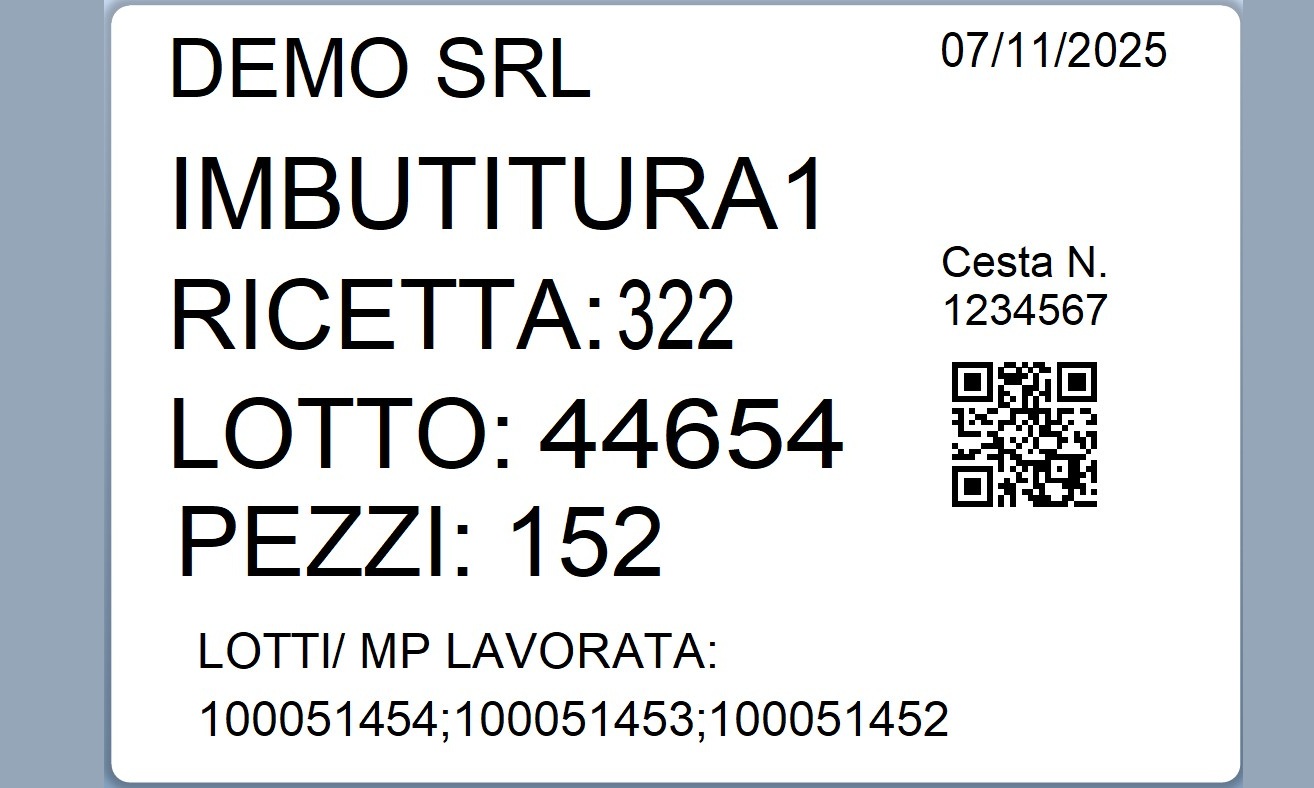
Some images of the LinkMachine panel, machine connections and software screens.


A pilot machine, then extension to the rest of the company
In many cases it is better to start from a machine or a pilot line, define the correct flows towards the ERP system and then replicate the logic on the other stations.
Initial analysis
The machine, ERP system and data to be exchanged are evaluated.
Flow configuration
Order, batch, production, reasons and inventory are defined.
Pilot installation
The system is put into operation on a first machine or line.
Scalability
The logic is extended to other machines with more sustainable costs.
Continue browsing
Data collection on the machine
Learn more about how to acquire quantities, times, batches and machine statuses.
LinkMachine panel
Machine interface for operators: data entry, production progress and interaction with the system.